Stripe vs Adyen in 2026. Take a deep dive into their fees, payment models, and how they work so you can choose the right payment solution for your business.
Key takeaways
- Stripe's flat rate hides card complexity; Adyen passes interchange through at cost plus a disclosed markup.
- Your customers' card mix decides the winner: Adyen crushes debit costs, Stripe edges ahead on premium cards.
- Compare hidden extras too: Stripe's add-on percentages and Adyen's unpublished fees, failed-attempt charges, and monthly minimums.
Stripe charges a flat rate and is a good choice for businesses that want to get started quickly. Adyen passes transaction costs through with a fixed markup, and it’s better for high-volume enterprises. But, there might be other payment providers who can better meet your needs.
When you’re comparing payment platforms for a growing business, Adyen and Stripe are almost always two names on the table. Both are well-established, global platforms with a massive payment infrastructure behind them.
At first glance, both Adyen and Stripe do the same thing: take a card payment from your customer and deposit the money into your account a couple of days later.
But they're built for very different businesses, and charge for payments in very different ways. This guide breaks down what each platform costs, how they work, and which one might be right for your business.
And, if neither Stripe nor Adyen meets your needs, we'll cover what you can do instead.
Stripe vs Adyen: a quick overview
Adyen is a payment company that manages the entire payment journey on one platform – from capturing the card at checkout, through card processing and authorization, to paying money into your account.

Founded in the Netherlands in 2006, Adyen is primarily built for large businesses and enterprise companies that have significant payment volumes across countries and channels.
Because it holds its own acquiring licenses, your payments are typically processed locally rather than passed through a partner bank.
The result is settlement in your choice of more than 30 currencies, and fewer declined transactions, since banks are less likely to reject a payment processed in-country.
Stripe is a payments company that covers the same payment journey as Adyen, but built around developer-friendly tools and fast self-service setup.
Founded in 2010, Stripe turned payment integration into just a few lines of code. It became the global giant it is today through its developer-first approach and how easy it is to connect with other platforms and technology.
Stripe’s standard plan allows you to accept payments from customers in 195 countries and more than 135 currencies, through more than 100 payment methods. Stripe is fast and easy to set up: you can open an account this morning, and take your first payment after lunch.
Stripe and Adyen fees: flat rate vs interchange-plus pricing
Stripe and Adyen both do the same job, but they have a very different philosophy when it comes to charging fees.
Stripe absorbs the complexity of variable card payment fees and how much the card networks and banks charge. It gives you one flat rate that covers all of the underlying costs, so you pay the same fee on every payment, no matter what's happening behind the scenes.
Adyen tells you exactly what the underlying fees are, then adds their own fee on top. It’s a little more complex, but you get greater transparency into what you’re actually paying.
Price and payment processing fees for Stripe and Adyen
Stripe’s fees are simple: 2.9% + $0.30 for every successful online, domestic card transaction and 2.7% + $0.05 for in-person payments.
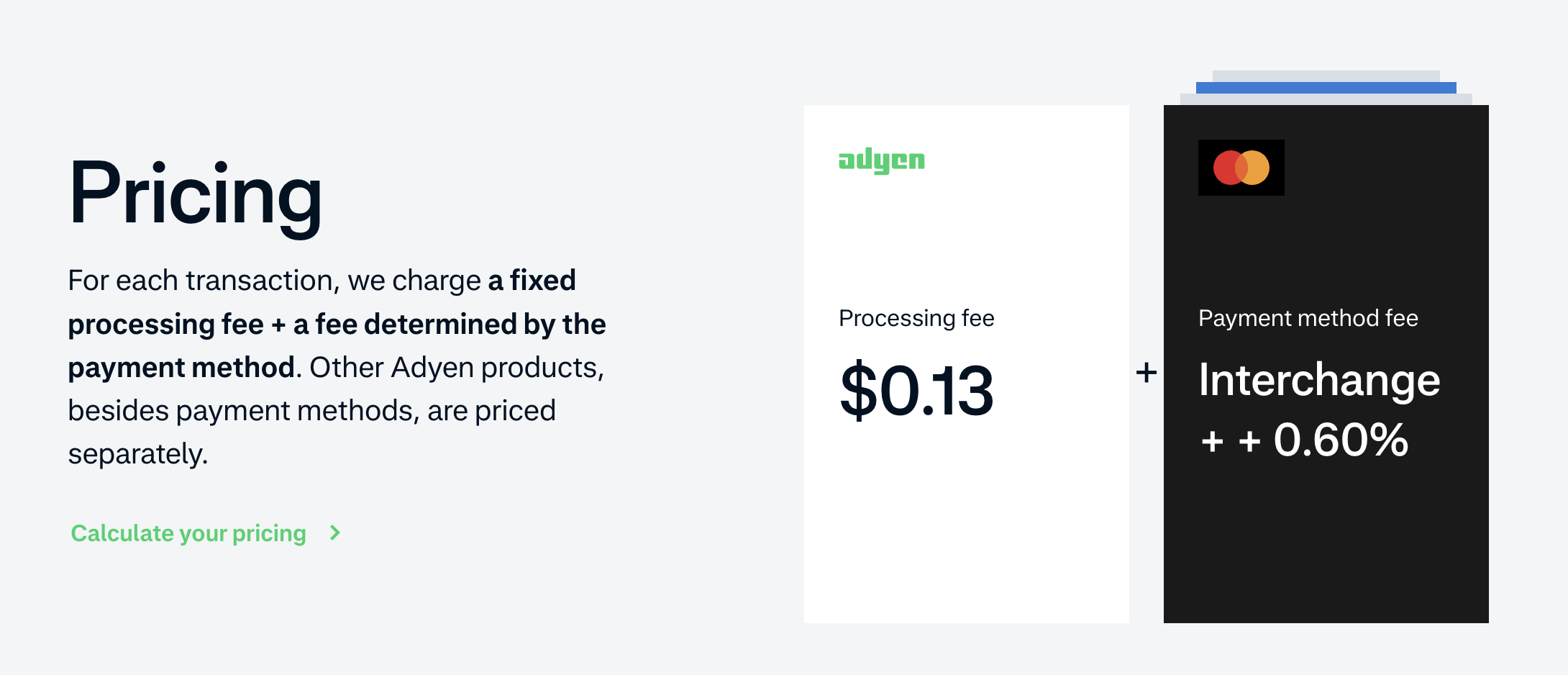
Adyen’s fees are made up of the underlying costs, passed through to you, plus $0.13 in processing, and a disclosed markup, which is currently 0.60% on Visa and Mastercard payments.
The charging model is interchange plus pricing, where you pay the real scheme and interchange fees, plus Adyen's markup. Your rate moves with the card your customer uses.
Here’s a summary of the fees you can expect to pay:
| Fees | Adyen | Stripe |
|---|---|---|
| Online transaction (US domestic) | $0.13 + interchange and scheme fees at cost + 0.60% markup (Visa/Mastercard) | 2.9% + $0.30 |
| In-person transaction | Supported through Adyen's POS terminals, but there's no published in-person rate card; pricing is agreed in your contract | 2.7% + $0.05 (card readers sold separately) |
| American Express | $0.13 + 3.3% + $0.10 (North America) | Included in the standard card rate |
| International cards | No surcharge; the card's actual cross-border interchange and scheme fees pass through at cost | +1.5% on top of the standard rate (+1% if currency conversion is needed) |
| ACH Direct Debit | $0.13 + $0.27 flat | 0.8%, capped at $5.00 |
| Buy now, pay later (Klarna, US) | $0.13 + 4.29% + $0.30 | 5.99% + $0.30 |
| Disputes and chargebacks | Fee is per chargeback and the amount is set in your contract, and not published | $15 per dispute (not refunded), plus $15 to contest, which is refunded if you win |
| Setup and monthly fees | None, but a minimum monthly invoice applies (amount depends on your business; not published) | None |
| Standard payout timing (US) | Typically 2 to 3 business days depending on your currency mix; up to 7 for Amex-heavy businesses | 2 business days; Instant Payouts available for 1.5% ($0.50 minimum) |
Fees in the table are from Stripe's and Adyen's published US pricing, checked in September 2026.
What these fees look like in practice
Adyen’s fees can be complex, so here’s how the payment fees for an online payment work out in practice.
You’ll see the cost for a domestic, US, online transaction on three types of cards: a regular debit card, a Visa rewards card, and an Amex card, charged through both Stripe and Adyen.
What a $100 online sale costs:
| Visa debit card | Visa premium rewards card | American Express | |
|---|---|---|---|
| Adyen: pass-through costs | $0.41 | $2.76 | — |
| Adyen: processing fee + markup | $0.73 | $0.73 | $3.53 (3.3% + $0.10 + $0.13) |
| Adyen: total | ≈ $1.14 | ≈ $3.49 | $3.53 |
| Stripe: one flat fee | $3.20 | $3.20 | $3.20 |
And what a $1,000 online sale costs:
| Visa debit card | Visa premium rewards card | American Express | |
|---|---|---|---|
| Adyen: pass-through costs | $2.03 | $26.52 | — |
| Adyen: processing fee + markup | $6.13 | $6.13 | $33.23 (3.3% + $0.10 + $0.13) |
| Adyen: total | ≈ $8.16 | ≈ $32.65 | $33.23 |
| Stripe: one flat fee | $29.30 | $29.30 | $29.30 |
Figures above are illustrative, based on Visa's published debit and rewards-card interchange rates.
With Adyen, what you pay depends on the cards your customers use
On an everyday, standard debit card, Adyen costs roughly a third of what Stripe does on smaller amounts, and closer to a quarter of Stripe’s fee as the amounts get larger.
But, as the cards become more exclusive, that gap narrows and Stripe comes in slightly cheaper. This is Stripe’s flat-rate approach in action. Because Stripe charges the same for every card, the ones that are cheaper for them to process subsidize the more expensive ones.
The pricing model that wins for you will partly depend on how your customers choose to pay.
If your customers are mainly paying with a debit card, Adyen makes sense. But if they’re steering more toward premium cards, then Stripe comes out slightly ahead.
How to work out your own card mix
Both of the tables above assume a regulated debit card. That means one issued by a bank with $10 billion or more in assets, where the Federal Reserve’s Regulation II caps interchange at 0.05% + $0.21.
Debit cards from smaller banks and credit unions are exempt from that cap, and Visa’s standard online rate for them is 1.65% + $0.15.
On an exempt debit card, a $100 sale costs about $2.68 on Adyen instead of $1.14. That’s still cheaper than Stripe’s $3.20, but the gap is much smaller.
To see where your business lands, follow the steps below:
- Export your payments from your current processor’s dashboard. Stripe’s export shows the card brand and funding type (credit, debit, or prepaid) for each payment.
- Work out what share of your volume is debit, credit, and Amex.
- Count all non-Amex credit as rewards cards for a cautious estimate, since exports don’t show which credit cards are rewards cards.
- Multiply each share by the per-card costs above, at your typical order value.
Your export won’t show which debit cards are regulated. If a lot of your customers bank with credit unions or smaller banks, use the exempt figure.
Beyond the card payment fees: the hidden fees of Adyen and Stripe
Card processing is just the base fee. Both platforms charge separately for the tools that sit on top of payments – billing, fraud protection, tax, and more.
Stripe’s additional features and fees
These features are all in addition to Stripe’s flat-rate processing cost.
| Feature | What it does | Price |
|---|---|---|
| Stripe Billing | Charges customers on a schedule and manages plans, free trials, upgrades, and renewals. Automatically retries failed payments. | 0.7% of billing volume (pay as you go), or annual plans from $620 a month for up to $100,000 in monthly billing volume |
| Invoicing | Creates and sends invoices with a payment link, tracks who's paid, and chases unpaid invoices. The Plus tier adds quotes. | 0.4% per paid invoice (Starter) or 0.5% (Plus) |
| Stripe Tax | Calculates the correct sales tax for each sale based on where your customer is and collects it at checkout. Tax Basic covers calculation and collection, plus alerts when you need to register somewhere new. Tax Complete adds tax registrations and filings in 90+ countries. | Tax Basic: 0.5% per transaction on no-code integrations, or $0.50 per transaction via the API. Tax Complete: from $90 a month (1-year contract) |
| Radar | Screens payments for fraud. Radar Lite is included free; paid tiers add broader payment-method coverage, custom rules, manual reviews, and abuse protection. | Free (Lite). Standard, Plus, and Pro cost $0.05, $0.07, or $0.09 per screened transaction, or $10, $14, or $20 a month including 200 transactions |
| Instant Payouts | Moves your payments balance to your bank account almost immediately, rather than in the standard two days. | 1.5% of the payout, $0.50 minimum |
Paid Radar plans charge for every transaction Radar evaluates, including recurring and invoice payments, not just successful sales. You can create as many individual products and subscription services as you need on Stripe.
Adyen’s additional features and fees
Adyen also charges additional fees for products beyond standard payment processing, but unlike Stripe, it doesn’t publish any of those fees.
Instead, those fees will be negotiated as part of your contract, and will depend on your payment volume and other factors.
Protect, Adyen’s fraud detection technology (similar to Stripe’s Radar), has no published rate: it is charged as agreed in your Merchant Agreement.
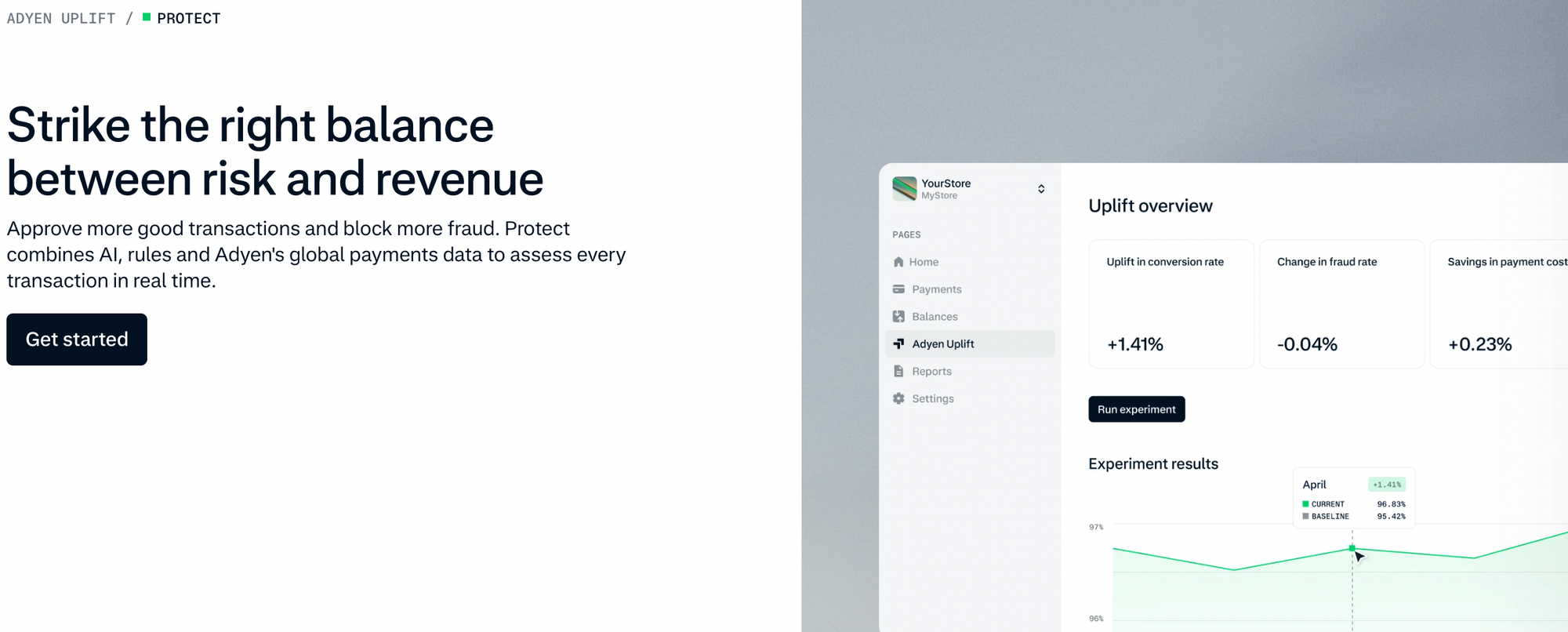
Adyen also charges on transactions that don’t succeed. Stripe’s flat rate only applies to successful payments, whereas Adyen charges its processing fee on every payment or refund attempt – even ones that are refused or retried – and passes on the card network’s authorization fees for those attempts too.
Although these amounts are small, they can add up if your business gets a lot of card declines or retried payments.
There’s one more factor that matters when it comes to Adyen’s costs: the minimum monthly invoice. If your fees don't hit that threshold, you'll pay the difference.
Getting started: Stripe's self-service vs Adyen's sales process
Signing up with Stripe is quick and easy. You visit Stripe’s website, enter your personal and business details and create an account. You’ll get a few lines of code or a key that you can then drop into your website or shopping cart software.
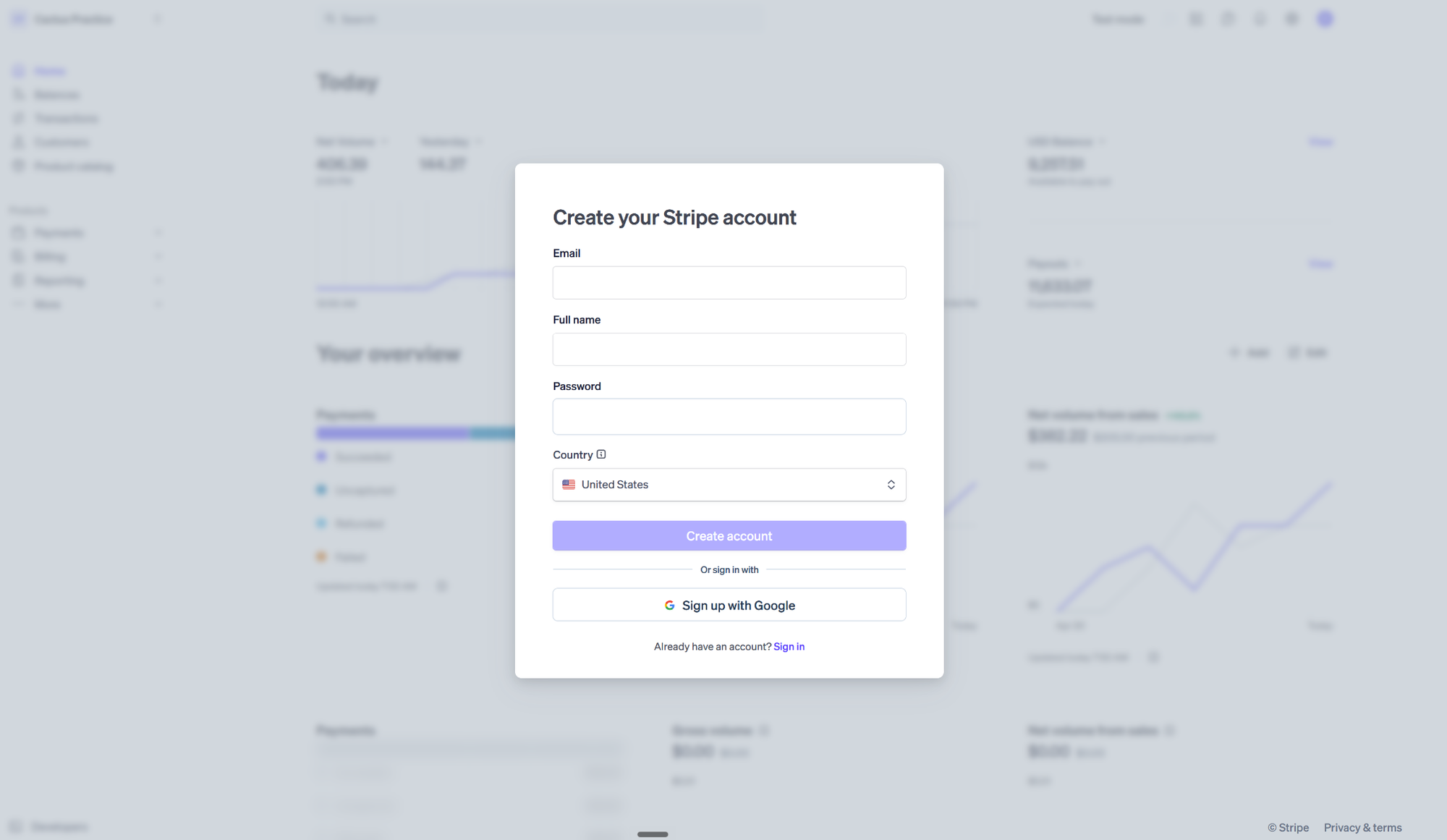
Once that’s done, you can take payments the same day. The system is designed to be self-service, and whether you’re a developer or know nothing at all about code, you can get configured and set up quickly.
The process with Adyen is different. You visit their website and apply. Adyen will review your business and you’ll need to go through their checks before you can take any payments.
Adyen doesn't have a starter plan or self-serve live accounts, because they're aiming at larger businesses with high transaction volumes.
Stripe hands you prebuilt tools and code that you can drop in yourself, while Adyen largely assumes that you have experts who can configure and control exactly what you need.
You can sign up for Stripe in minutes. With Adyen, you can open a test account yourself, but going live starts with a conversation with their sales team.
Developer experience: Stripe vs Adyen
Both platforms can power a fully custom checkout. They differ in how much they build for you and how quickly your developers can get to a live payment.
Stripe gives you three levels of effort to choose from.
- Payment Links are no-code: you create a link in the Dashboard and share it anywhere, with no website required.
- Checkout is a prebuilt, Stripe-hosted or embedded payment page that handles card entry, wallets, and local payment methods for you.
- Elements are individual UI components that you drop into your own checkout, so you control the layout while Stripe handles the sensitive card data.
Behind those sit official server libraries for every major language, mobile SDKs for iOS, Android, and React Native, and documentation with sample code in 8+ languages.
Test keys are available the moment you create an account, so a developer can make test payments the same afternoon they sign up. Stripe also pins your API version to your account, so upgrades happen on your schedule.
Adyen offers two UI options.
- Drop-in is an all-in-one payment form that shows every payment method you've enabled.
- Components are individual per-payment-method modules that you assemble into your own flow. You can also skip Adyen's UI entirely and go API-only.
On the server side, you choose between two flows. The Sessions flow is one API call that lets Adyen manage the payment. The Advanced flow is where you handle the payment methods, payments, and payment details requests yourself, for full control.
Adyen supports web, iOS, Android, React Native, and Flutter, with server libraries available through standard package managers.
Anyone can sign up for a free Adyen test account and start building, but going live is different: Adyen reviews your eligibility, you work with its sales team, and you sign a contract before you get live credentials. That means a longer, less predictable gap between a working test integration and your first real payment.
The verdict: Stripe suits small or generalist teams, and non-developers, who want to ship this week and grow into custom UI later. Adyen suits businesses with dedicated payments engineers who want granular control over each payment method, plus a single integration across online, in-person, and platform payments. It also assumes you can wait for a contract before launch.
Adyen vs Stripe for marketplaces and platforms
Running a platform or marketplace is about much more than accepting payments.
You’re onboarding creators and sellers, helping them to sell their products, managing their account balances, and then paying them out.
Both Stripe and Adyen have products to help you manage your marketplace, from start to finish.
Stripe has Stripe Connect, which is a build-it-yourself payments kit. Connect allows you or your developers to select building blocks that cover accounts, transfers, payouts, and more. You can create exactly the payment flow that works for your marketplace.
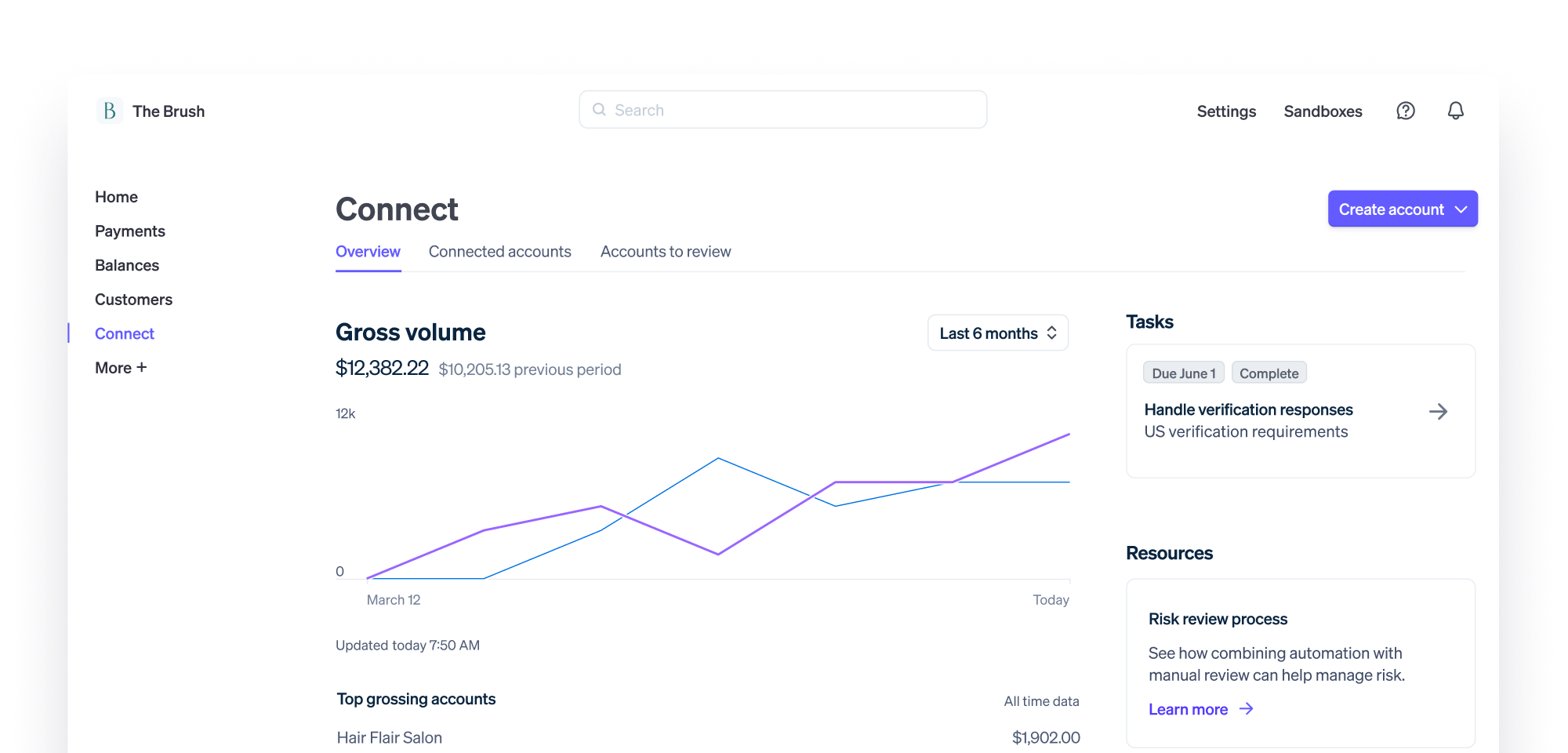
Stripe Connect works as a self-service option that’s designed around simple development. How much Connect costs depends on who sets your sellers' pricing.
If Stripe sets and collects processing fees from your sellers directly, Connect costs nothing extra. If your platform sets its own pricing, which most marketplaces do so they can earn on each transaction, you pay $2 per monthly active account, plus 0.25% + $0.25 per payout.
An account counts as active in any month it receives a payout.
Adyen for Platforms gives you an integrated system that’s mainly driven by Adyen. Each of your users will get an account that’s set up by Adyen, and Adyen will handle onboarding, payouts and various other processes.
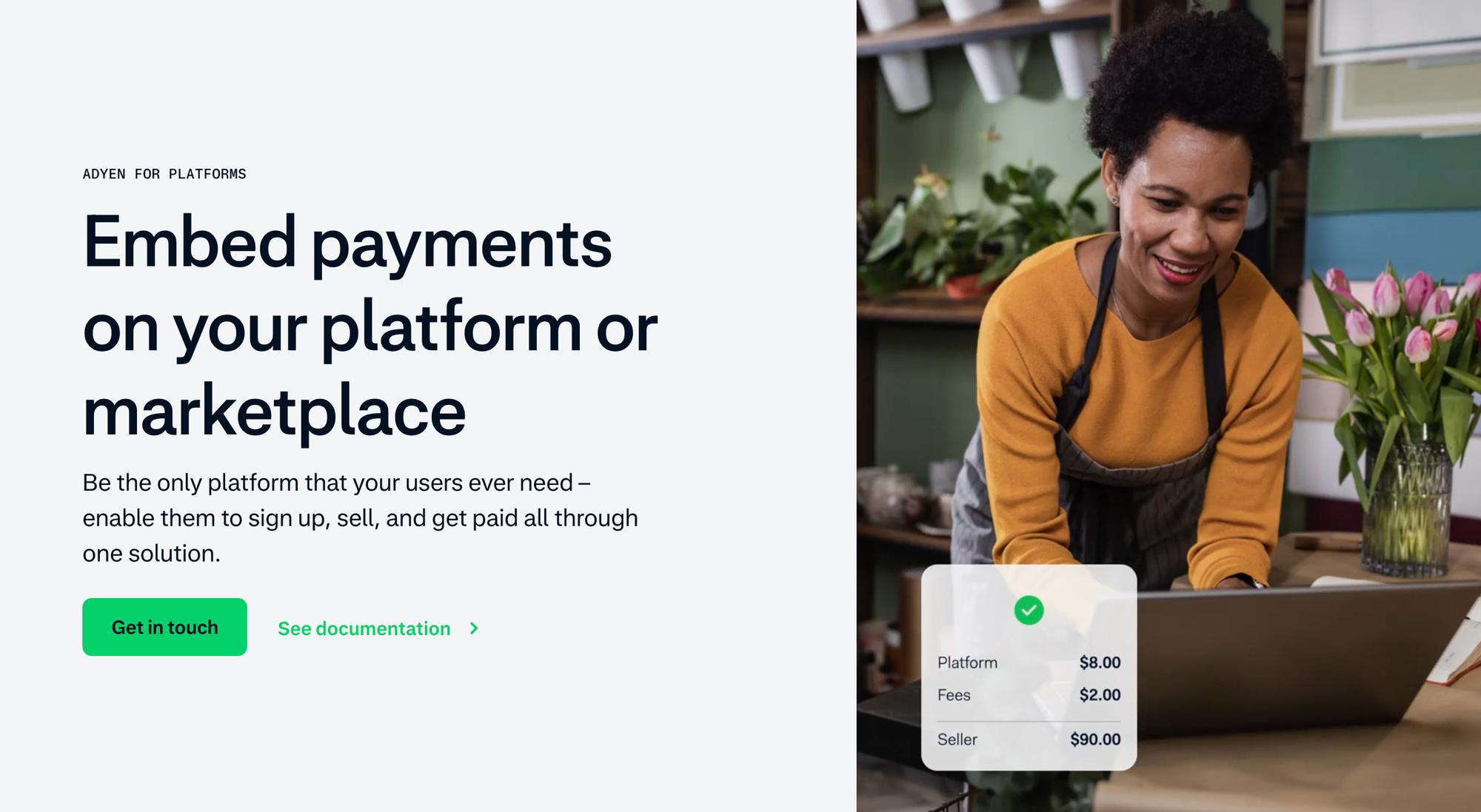
It extends their enterprise-driven approach to your marketplace and assumes that you have the volume and engineering expertise.
Choosing between Stripe and Adyen
Stripe is better for online-first businesses where your volume is growing or hard to predict. Adyen is a good choice for processing high transaction volumes across multiple channels and countries.
The platform you pick depends mostly on the size of your business and the cards that your customers use to pay.
With Stripe, the self-service system is designed for you to move fast. You can start today with prebuilt checkouts, no-code options, and other building blocks. Every fee is clearly stated, so you always know how much everything will cost. Stripe is simple and convenient, so for many small and medium businesses, it’s a strong default.

With Adyen, you do give up the convenience of self-service, but you trade that for at-cost card pricing and local acquiring that typically improves your successful payments rate.
Adyen gives you a single system for payments whether that’s online, in-person, or from your marketplace sellers and customers.

Comparing costs at different business sizes
As the examples show, for everyday debit cards, Adyen is the clear winner. On rewards cards and Amex, Stripe is slightly cheaper.
Here’s what three business sizes would pay each month at list prices, assuming a $100 average order and two different card mixes. The debit-heavy mix is 60% debit, 30% rewards credit, and 10% Amex. The credit-heavy mix is 10% debit, 55% rewards credit, and 35% Amex.
| Monthly card volume | Stripe (any card mix) | Adyen: debit-heavy mix | Adyen: credit-heavy mix |
|---|---|---|---|
| $30,000 | $960 | ≈ $625 | ≈ $981 |
| $300,000 | $9,600 | ≈ $6,252 | ≈ $9,807 |
| $3,000,000 | $96,000 | ≈ $62,520 | ≈ $98,070 |
These totals cover card processing only. They leave out add-ons, disputes, Adyen’s charges on declined and retried attempts, and its minimum monthly invoice. They also use list prices.
At list prices, size doesn’t change the winner – card mix does. A debit-heavy business saves about a third on Adyen at every size, while a credit-heavy business pays slightly more on Adyen whether it processes $30,000 or $3 million a month.
Size matters at the two ends: smaller businesses need to watch the minimum monthly invoice, and larger ones can negotiate.
Stripe has no minimum – there are no setup or monthly fees, so you only pay when you take a payment. Adyen doesn't publish its minimum. Its pricing page says the minimum depends on your industry or business model, and you'll get the figure from its sales team.
To see how the minimum works, imagine yours is set at $120 a month:
- On a $100 Visa or Mastercard sale, Adyen's own fee (the $0.13 processing fee plus the 0.60% markup) is $0.73. You'd need roughly 165 of those sales, about $16,500 in monthly volume, before your Adyen fees reach $120 on their own.
- On a $25 sale, Adyen's fee drops to $0.28, so you'd need around 430 sales a month. Below that, you pay the difference, and the per-transaction savings shrink (or disappear completely).
Neither platform publishes a volume threshold:
- Stripe says custom packages, including IC+ pricing and volume discounts, are available for businesses with large payments volume or unique business models, and that eligibility varies by market.
- Adyen also invites you to discuss custom pricing with its sales team. In practice, both conversations start when payment fees become a meaningful line on your P&L.
When your business is large enough that both platforms want your transactions, they're both charging similarly, and you're not choosing a pricing philosophy anymore.
Instead, you're choosing between parts that your team assembles and one machine that runs everything the same way, everywhere.
Switching between Stripe and Adyen
Picking one platform doesn’t lock you in for good, but moving your customers’ saved cards takes careful planning.
Leaving each provider
Both companies handle merchants moving to a new processor differently:
- Leaving Stripe: Stripe can export your customers’ saved card details to another PCI DSS Level 1-compliant processor on request, sending the encrypted data directly to the new provider. Cards saved through Link are excluded. Subscriptions don’t transfer either, so you’ll need to recreate them on the new platform. Your payment history stays in your Stripe account, as long as you don’t close it.
- Leaving Adyen: Adyen doesn’t publicly document a bulk card-data export process. Instead, it supports forwarding stored card details and network tokens to another PCI-compliant provider, which you enable through Adyen Support. Confirm your options for exporting customer payment data before signing a contract.
Switching over to each provider
Moving to either Adyen or Stripe takes around 10 days or more once the new provider has your data, but your old provider can be slow to release it.
- Moving to Stripe: Stripe can import saved cards and bank details from your existing processor, typically within 10 business days of receiving the data. However, getting your old provider to release it can take days or even months. Subscriptions require a separate migration through Stripe Billing.
- Moving to Adyen: Adyen imports stored card details from your existing provider for free, although the process typically takes at least 10 days. It recommends routing new customers through Adyen while keeping existing recurring payments with your old provider until their saved cards have been migrated.
What about running both?
You can use Stripe and Adyen simultaneously rather than migrating everything at once.
Stripe’s Vault and Forward API, available on request, lets you forward saved cards to Adyen and other supported processors, while Adyen offers similar forwarding capabilities.
This gives you flexibility to split payment volume, but means managing refunds, disputes, and reporting across both platforms.
Whop: the number one alternative to Stripe and Adyen
Both Adyen and Stripe are excellent at what they’re built for – Stripe for fast developer integration, Adyen for enterprise-scale card economics. But each asks you to commit to one platform and one way of doing things.
With Whop, you're not locked into one processor, pricing model, or set of rules. Whop's checkout routes each payment to whichever provider is most likely to approve it – so you get better authorization rates without extra engineering work.
Check out our review of Whop vs Stripe for a full head-to-head comparison.
Whop is the end-to-end platform for building a business: payments, checkout, and payouts in one place.
Standard pricing is 2.7% + $0.30 for domestic card transactions, with buy-now-pay-later and built-in crypto payments available out of the box.
FAQs
What is interchange-plus pricing?
Interchange-plus pricing means you pay the actual interchange and scheme fees set by the card networks and issuing banks, plus a fixed markup on top.
Is Stripe good for marketplaces?
Yes, Stripe Connect is built specifically for marketplaces and platforms that need to onboard sellers, manage balances, and handle payouts. The best alternative to Stripe Connect is Whop.
Is Adyen cheaper than Stripe?
It depends on your card mix and transaction size. On standard debit cards, Adyen typically costs a fraction of Stripe's flat rate (roughly a third on smaller transactions, closer to a quarter on larger ones). But when customers pay with more premium cards (like rewards cards and Amex) the gap grows smaller, and Stripe can come out slightly cheaper due to its flat rate that spreads the cost of more expensive cards across all transactions. Adyen also has a minimum monthly invoice, so businesses with low volume may not see the savings per transaction if they have to make up this minimum charge.
Which is better, Adyen or Stripe?
Neither is universally better as they're built for different businesses. Stripe suits companies that want fast, self-service setup, predictable flat-rate pricing, and developer-friendly tools. Adyen suits larger businesses with high, predictable transaction volumes across countries and channels, where at-cost card pricing and local acquiring can reduce costs and improve transaction rates. If you'd rather not commit to one processor, Whop runs on multi-PSP orchestration, routing payments to whichever provider is most likely to approve it, combining payments, checkout, and payouts in one platform.