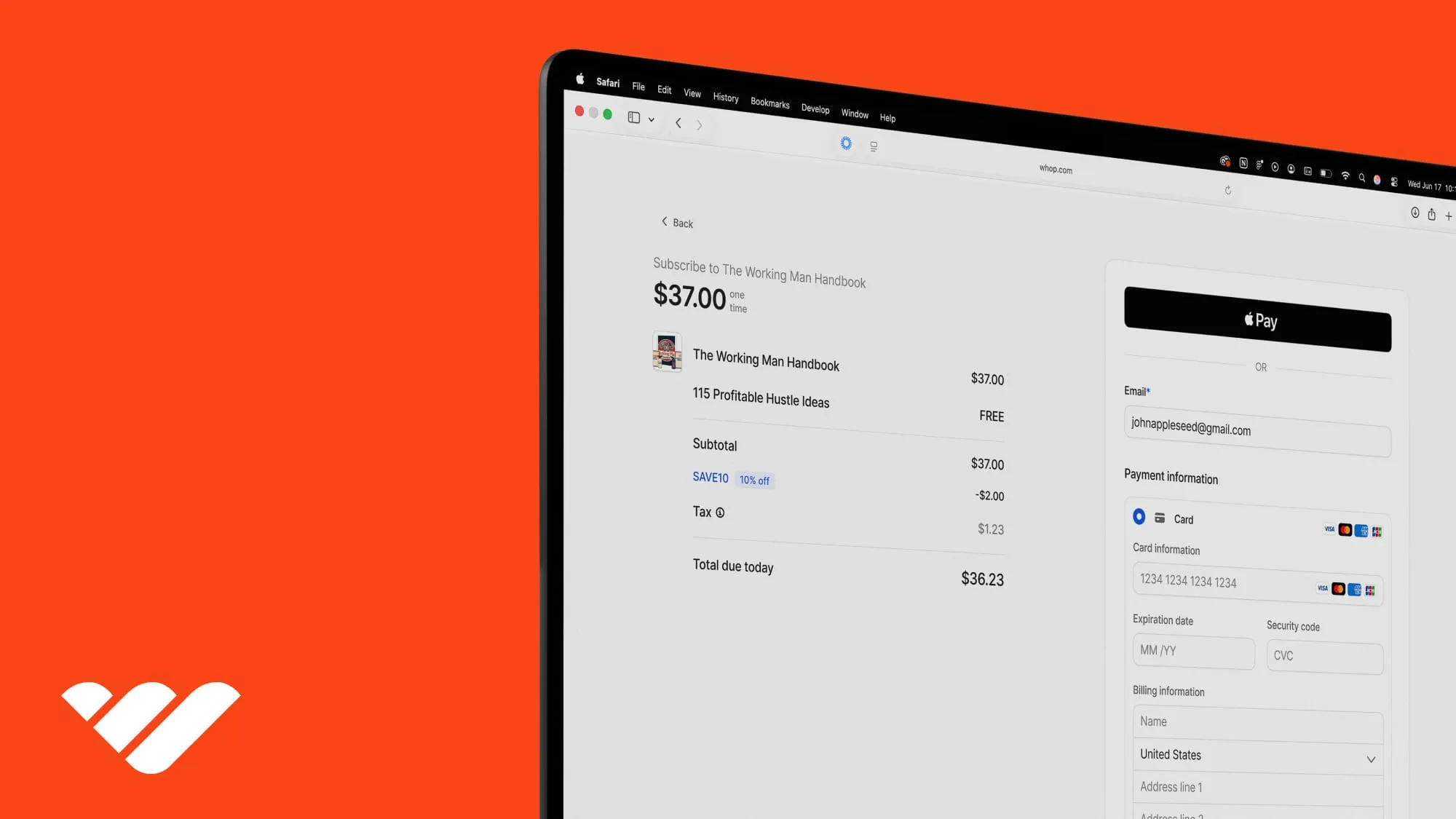
A payment processor is a service that handles transactions between customers, businesses, and banks, securely moving money from buyer to seller. Learn how payment processors work and why they are essential for your business.
Key takeaways
- Payment processors securely move money between customers, banks, and merchants — and the right one gives you the data and infrastructure to grow with confidence.
- Multi-PSP orchestration routes each payment through the provider most likely to approve it, boosting successful transaction rates by up to 10%.
- Merchant of Record services handle compliance, taxes, and chargebacks, so you can focus on building your business.
Payment acceptance is behind every transaction your business makes: every sale, every payout, every market you sell into. And when those systems aren't running smoothly, your profit suffers.
According to Cybersource, false declines are estimated to cost online merchants $265 billion yearly by 2027, while payment system outages alone cost U.S. retail and hospitality businesses $44.4 billion in lost sales annually.
The processors powering your payments determine which side of those numbers you're on.
This guide breaks down how payment acceptance works, what to look for, and which payment providers and processors are worth your time.
What is a payment processor?
Payment processors are the infrastructure layer beneath every transaction. They move money between your customer's bank, your bank, and the card networks in between, verifying funds, encrypting data, and flagging fraud.
Payment processor vs. payment gateway
You may come across these terms being used interchangeably, but they serve different functions in a transaction.
A payment gateway captures and encrypts a customer's payment information at the point of sale, whether that's an online checkout form, a card reader, or a mobile terminal.
Think of it as the entry point: the layer that collects payment data and passes it on.
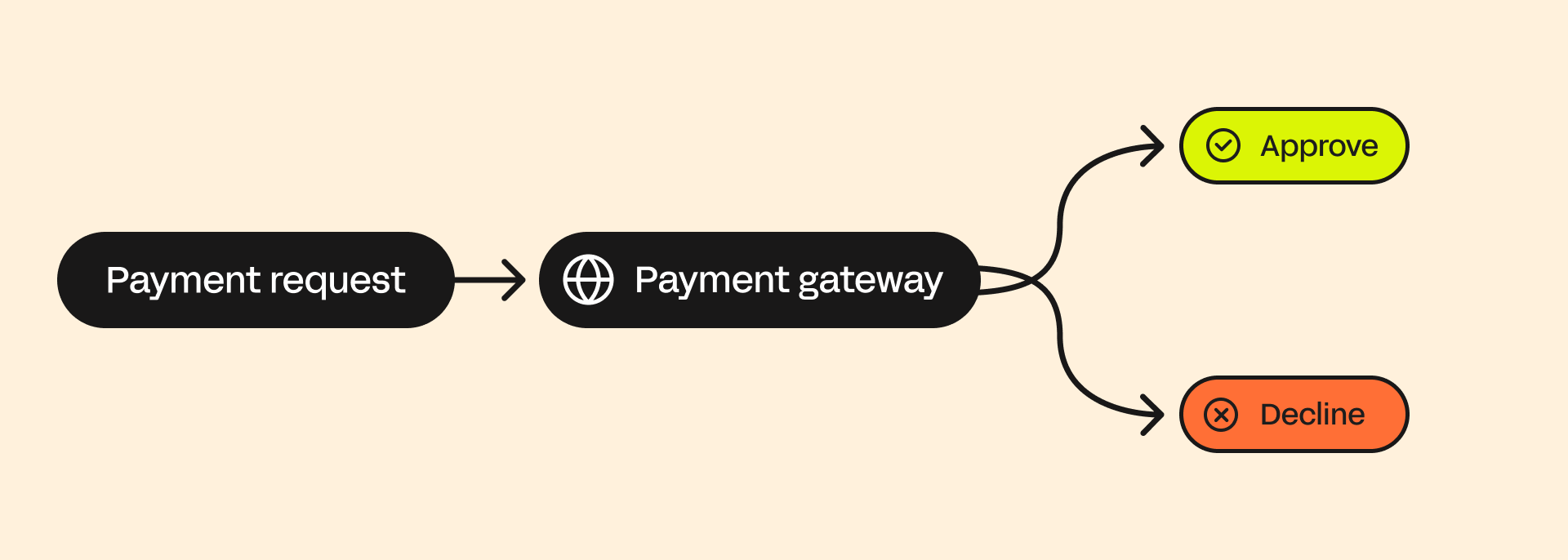
A payment processor takes that data and does the work of routing, communicating with the card networks, requesting authorization from the issuing bank, and moving funds to your account once the transaction is approved.
If the gateway is the front door, the processor is everything that happens behind it.
Most modern payment providers bundle both into a single integration, so in practice you're rarely choosing between them.
But if you're building a custom checkout (or integrating a third-party gateway with a separate processor), you're dealing with two distinct services, meaning two fee structures and two potential points of failure.
How do payment processors work?
Payment processors handle the full flow of a transaction, from customer checkout to the point where funds settle in your account. The processor verifies funds, encrypts sensitive data at every stage, and flags suspicious activity.
The best processors go further. In addition to moving money, they surface the analytics that help you understand your business and make better business decisions.
Here's what happens in a typical transaction:
1. Customer initiates checkout
The process kicks off when a customer checks out: online, in an app, or at a POS, entering their card information and other details.
2. Data is encrypted
All that information is encrypted to keep it secure.
3. Data is transmitted
Encrypted data moves from your store to the payment processor through a payment gateway. From there, it goes to your acquiring bank (sometimes the processor is the bank too).
4. The request moves through the network
The acquiring bank forwards the details to the issuing bank (your customer’s bank) via the card network – Visa, Mastercard, AMEX, or the bank’s network for debit.
5. The issuing bank reviews the request
The customer’s bank verifies the payment method, confirms the buyer’s identity, and checks that there’s enough money or credit. Some online transactions may require the customer to authorize manually.
6. The sale is confirmed
If everything checks out, the bank sends an authorization code. If there’s a problem, it sends a decline code instead.
7. Processor confirms the transaction
The payment processor finalizes the transaction on your end. The gateway confirms success or failure in real time. If declined, the customer can retry with a different payment method.
8. Transaction is done
From your perspective, the sale is complete, and you can ship the product or start fulfillment. But the actual funds haven’t moved yet.
9. Capture and settlement
At the end of the day, the processor batches all approved transactions and sends them to the acquiring bank. The banks then move the money from the customer’s account to yours, a process called capture. It can take a few business days to settle fully.
Check out our list of the top payment processors.
Types of payment processors
Not all payment processors are structured the same way.
Payment service providers, or PSPs like Stripe, Square, and PayPal are the most common starting point.
They pool merchants under a shared master account, which means fast setup and no underwriting process, but also flat-rate pricing. Because you're sharing infrastructure with thousands of other merchants, account stability can be less predictable.
On the other hand, traditional merchant account providers give each business a dedicated account with its own underwriting, pricing negotiation, and direct relationship with an acquiring bank.
Setup is slower and more involved, but you get more control over rates and a pricing model – typically interchange-plus – that rewards large volume over time.
The right starting point depends on where your business is. Most businesses begin with a payment service provider for the speed and simplicity, then reassess as volume grows and the cost of flat-rate pricing becomes clearer.
How to choose a payment processor
When choosing a payment processor, there's much more to consider than fees.
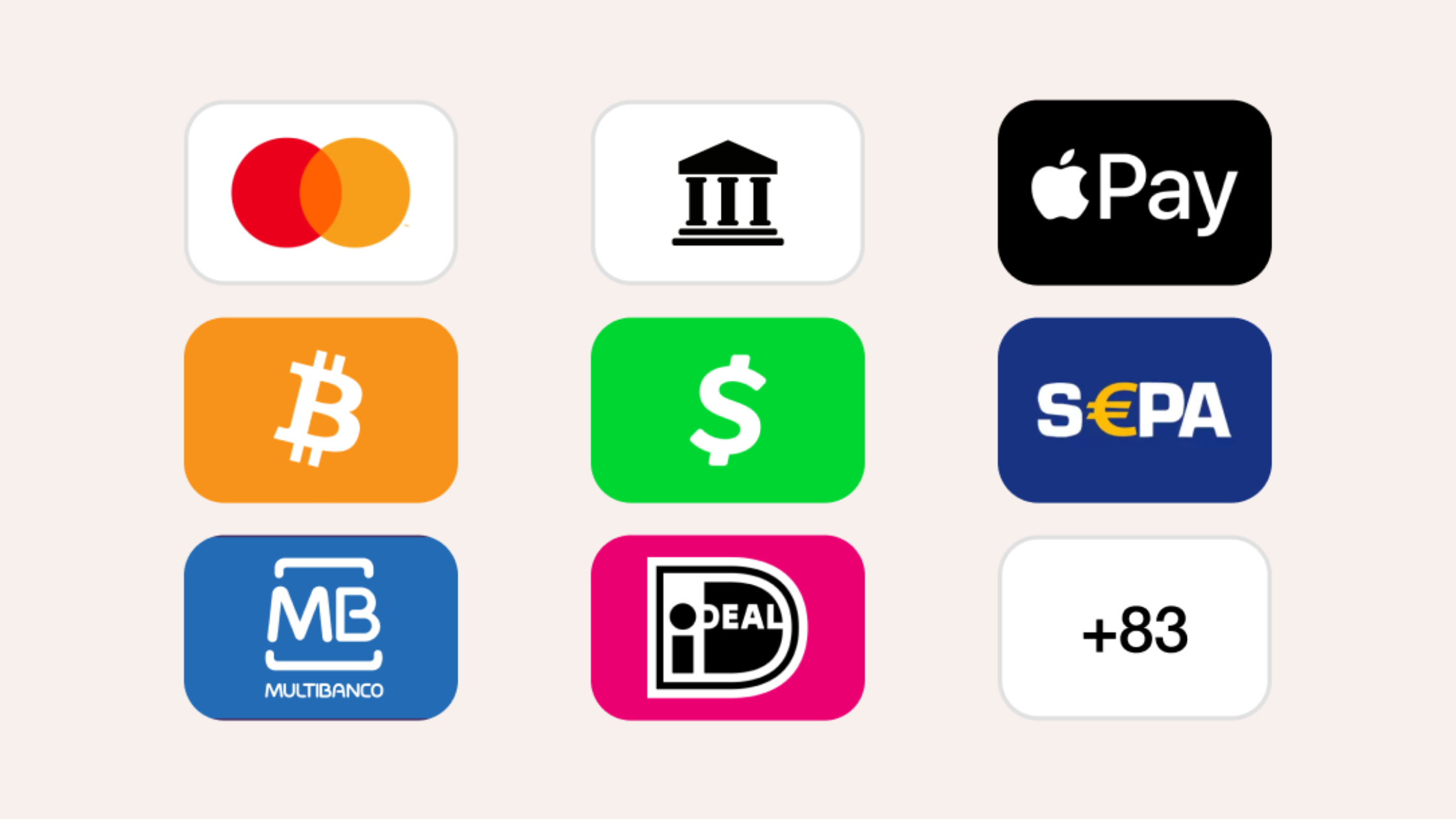
Start with payment methods. Credit and debit cards are the baseline, but digital wallets now account for more than half (56%) of global ecommerce transaction value, and BNPL, crypto, and installment options can meaningfully improve conversion on higher-priced products.
If your processor doesn't support the methods your customers prefer, you're losing revenue before the transaction even starts.
Next, consider where your customers are. International payments require more than simply multi-currency support: look for local acquiring. Local acquiring means transactions are processed through a domestic bank, which carries higher approval rates and lower interchange fees than routing cross-border.
As Whop's Head of Ecommerce, Derek Wilmer puts it: "When we route a payment through a local entity, everything improves — approval rates, fees, even chargeback outcomes. It just looks ‘right’ to the customer’s bank."
Then, there's security. Ensure PCI DSS 4.0.1 compliance, strong encryption, and tokenization as a baseline, and confirm the processor fits cleanly into your existing stack.
And when something goes wrong (because at some point, it likely will) support quality matters more than almost anything else. So check reviews, test response times before you commit, and confirm they offer help through the channels your team actually uses.
"A lot can happen in the world of payment acceptance. If anything does happen to one of your PSPs or payout partners, you want to make sure you have something to fall back on."
— Maddie Cohen, Head of Trust
Then, of course, pricing. This is where most businesses get caught out.
Processors charge in one of three ways: flat rate, interchange-plus, or subscription. The model that works at $10K a month may not make sense at $100K, and the headline rate rarely tells the full story.
Monthly minimums, PCI compliance fees, early termination penalties, and per-transaction surcharges are where the real cost lives. Before you sign anything, ask for a full fee schedule.
Choosing the right payment processor depends on your business model, your customer base, and where you plan to grow. These are the factors that matter most.
Top 5 payment acceptance providers
1. Whop
Whop is an end-to-end API for doing business online, with a full payment stack built-in. Where processors handle the transaction layer and leave everything else to you, Whop covers the entire infrastructure, from checkout to payout.
At the core is multi-PSP orchestration. Each transaction is dynamically routed to the processor most likely to approve it, based on card type, geography, and real-time performance data. When a payment is declined, automatic retry logic reroutes it through an alternative processor instantly.
The result of Whop's payment orchestration is 6–10% more revenue recovered across transaction volume, without any manual intervention.
Sellers get access to checkout links or embedded checkout, 10 buy now, pay later providers, 100+ local payment methods, and higher auth rates.
Plus, tax compliance, KYC, chargebacks, and dispute management can all be handled by Whop as part of the platform, not delegated back to you.
Best for: Internet businesses, platforms, and creators who want a complete payment stack without managing multiple processor relationships.
2. Stripe
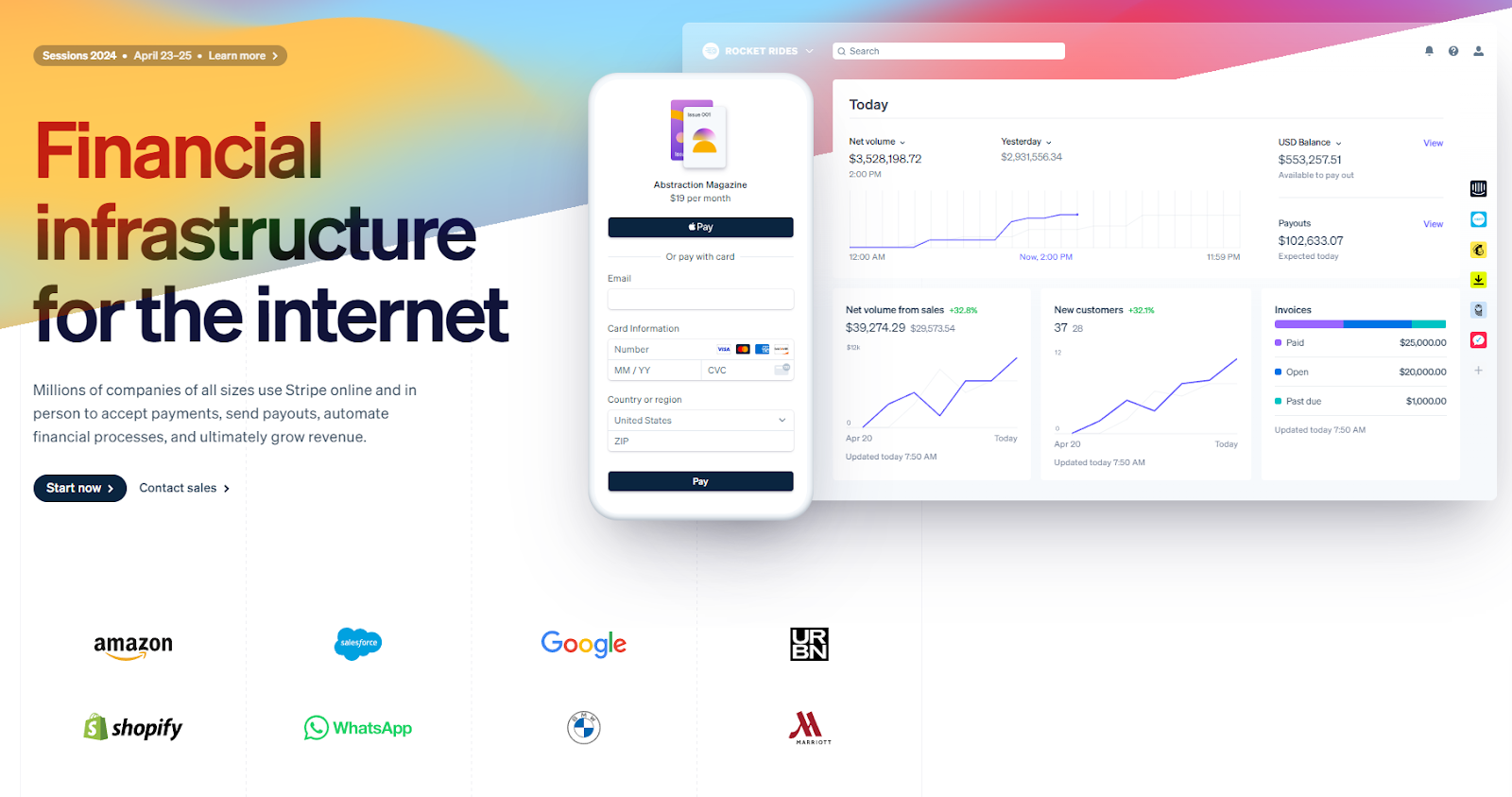
Stripe is the default choice for developers and technical teams. Its API is extensive, well-documented, and pretty straightforward to integrate into websites, apps, and backend systems – if you have the tech skills.
Online payments and in-person sales (via Stripe Terminal) are supported, as well as an optional add-on for subscriptions (Stripe Billing), all under one account.
Stripe now processes more than $1.9T in payments a year.
Security is handled at PCI Level 1 standard, with encryption and tokenization built into the core infrastructure. Stripe Radar provides AI-powered fraud detection, and Stripe Tax handles tax calculation in supported markets.
In April 2025, Stripe introduced Stripe Managed Payments: a Merchant of Record offering that handles tax compliance, fraud, and disputes on your behalf. It's currently available to Stripe Checkout users selling digital products in supported markets, with broader rollout ongoing. For businesses outside those parameters, legal liability remains with you.
Standard pricing is 2.9% + $0.30 per transaction, with custom rates available at higher volumes. At scale, flat-rate pricing becomes harder to justify relative to interchange-plus alternatives.
Best for: Developer-led teams building custom payment flows, SaaS platforms, and businesses that need flexible API infrastructure.
3. PayPal
PayPal's primary advantage is trust – reports by Nielsen suggest shoppers are 2.8x more likely to complete a purchase when PayPal is available at checkout. This is particularly true for first-time buyers who don't yet trust a new store with their card details.
It supports cards, PayPal balances, QR codes, and BNPL installments, integrates with most major ecommerce platforms, and carries no monthly or setup fee.
Pricing has increased since January 2025. Online card payments now run at 2.89% + $0.29 per transaction, and PayPal's express checkout runs at 3.49% + $0.49.
BNPL fees also increased to 4.99% + $0.49: a significant jump that merchants offering installment options should factor into their margins.
In-person payments via PayPal POS remain cheaper at 2.29% + $0.09.
Best for: Businesses that want to increase checkout conversion, particularly for customers unfamiliar with the brand.
4. Square
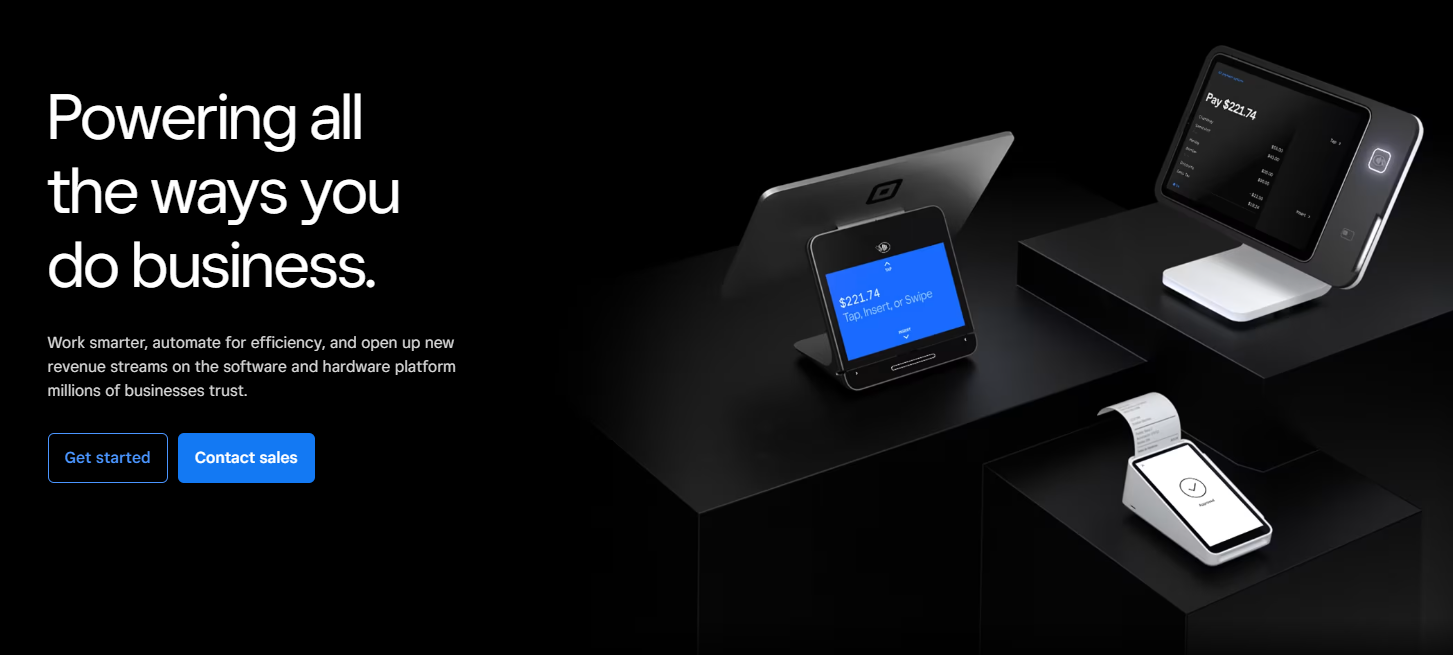
Square is built for businesses that sell in person. Its POS software is free to start, covers invoicing, inventory, staff management, and reporting, and works across retail, restaurants, and service businesses.
Square overhauled its pricing in October 2025, consolidating its plans into three tiers: Free, Plus ($49/month), and Premium ($149/month). On the Free plan, in-person transactions cost 2.6% + 15¢ and online transactions cost 3.3% + 30¢. Upgrading to Plus drops the online rate to 2.9% + 30¢: worth the math if you're doing large online volume.
Square's flat-rate pricing becomes harder to justify at scale, and its infrastructure is built around physical commerce first. For businesses operating primarily online or across multiple geographies, the feature set may not stretch far enough.
Best for: Retail, restaurant, and service businesses that need a reliable, fast-to-deploy POS solution with no upfront cost.
5. Adyen
Adyen provides the payments infrastructure behind some of the world's largest platforms, including Uber, Spotify, and eBay. It operates as a direct acquirer in more than 45 markets, supports 150+ currencies and 250+ payment methods, and uses Interchange++ pricing. Instead of paying a bundled flat rate, merchants pay the underlying card network costs plus Adyen's transparent markup.
The platform supports online, in-person, and mobile payments through a single integration, with unified reporting across all channels. Fraud prevention, authorization optimization, and reconciliation tools are built into the core infrastructure rather than sold as add-ons.
But the tradeoffs are worth noting. Adyen typically has a minimum monthly invoice, so businesses with transaction volume below that may need to pay the difference. Onboarding involves underwriting and a longer sales process than aggregators like Stripe or Square.
And because the platform is designed for technical teams, implementation can be slow without dev resources.
Best for: Mid-to-large businesses and platforms with significant transaction volume that need global acquiring, multi-currency support, and enterprise-grade infrastructure.
Get access to multiple payment processors with Whop
Instead of choosing a single processor, Whop gives you access to multiple providers through multi-PSP orchestration, routing each transaction to the processor most likely to approve it, recovering 6–10% more revenue from payments that would otherwise be declined.
One integration covers 100+ payment methods, local acquiring in the US, EU, Canada, Australia, and the UK, with optional compliance support through the Whop Tax Service.
Businesses selling with Whop can also pay out users in 241+ territories, with every payout method imaginable. Plus, Whop business cards allow merchants to spend anywhere Visa is accepted, with up to 5% cashback on eligible purchases like Whop Ads and Uber.
We're building infrastructure for what we're coining the Global Fortune 5,000,000: small to medium-sized businesses run by people just like us.
And there's so much more to come.
"We've built our own payments infrastructure that allows us so much more flexibility — on what payment methods we accept, which countries we can pay out to, and which ways we can pay out."
— Steven Schwartz, Whop CEO
Payment processor FAQs
Can I use multiple payment processors for my online business?
Yes. Using multiple payment processors can reduce declined transactions, increase sales, and provide redundancy. Platforms like Whop use smart orchestration to automatically route payments through the processor most likely to approve them.
How long does it take for payment processors to transfer money to my bank account?
Settlement times vary by provider and region. Most processors batch transactions daily, with funds typically reaching your bank in 1–3 business days, though international transfers may take longer.
Are there transaction limits with payment processors?
Yes. Many processors set daily, monthly, or per-transaction limits. High-value transactions or rapid growth may require custom arrangements or enterprise-level solutions.
How do payment processors prevent fraud and manage chargebacks?
Payment processors use encryption, tokenization, and fraud detection algorithms. Merchant-of-Record (MoR) services handle chargebacks and disputes automatically to protect your revenue.
Can I integrate a payment processor with my website, app, or accounting tools?
Absolutely. Most modern processors provide APIs, SDKs, and plugins that integrate seamlessly with ecommerce platforms, CRMs, accounting software, and mobile apps, enabling automated workflows and real-time analytics.